



Built to grow with your business, our flexible features adapt to your evolving needs helping you scale faster, work smarter, and stay ahead without limits.
Media Library Manager’s advanced modules help you organize, tag, filter, and manage all your media files. Quickly find, optimize, and control images, videos, and documents for a faster, clutter-free library.

Display your cloud files using an interactive File Browser. The browser offers both grid thumbnail and list views for the Google Drive files, making it easy and efficient to manage your cloud content.

With Connect Drive, showcase your files using the Gallery feature. Display your Google Drive files in beautiful grid or lightbox layouts, making it easy to organize and present your content visually.
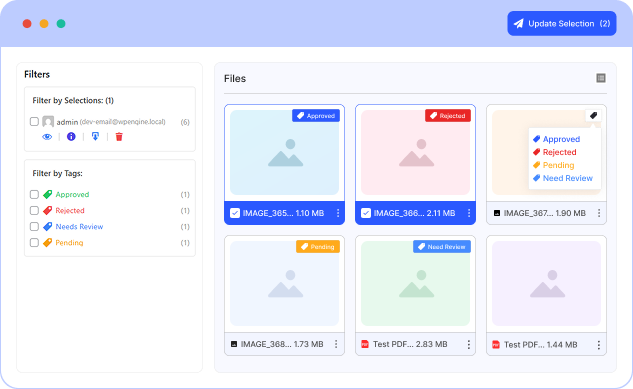
The Review and Approve module provides a streamlined collaborative workflow, allowing users to review, select, and approve Google Drive files submitted for feedback or confirmation. Perfect for tasks like photo proofing, document approvals, or asset selection, this module features selection checkboxes, approval status indicators, and built-in comment support for seamless collaboration.
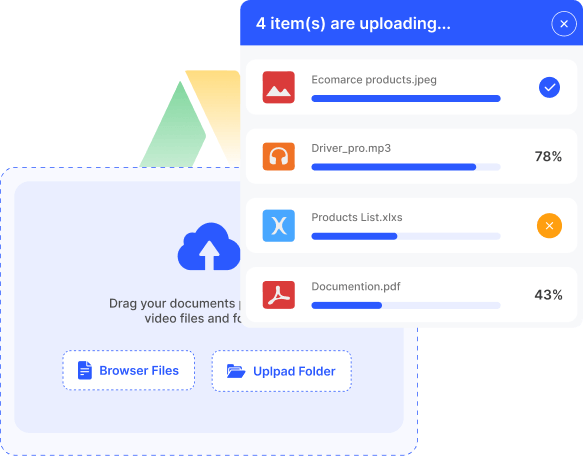
Easily upload your files using the File Uploader. It supports quick, seamless uploads to your Google Drive, providing a simple and efficient way to manage and organize your cloud content.

Stream your files effortlessly with the Connect Drive Media Player. Play audio and video directly from your Google Drive, providing a smooth and engaging media experience on your website.
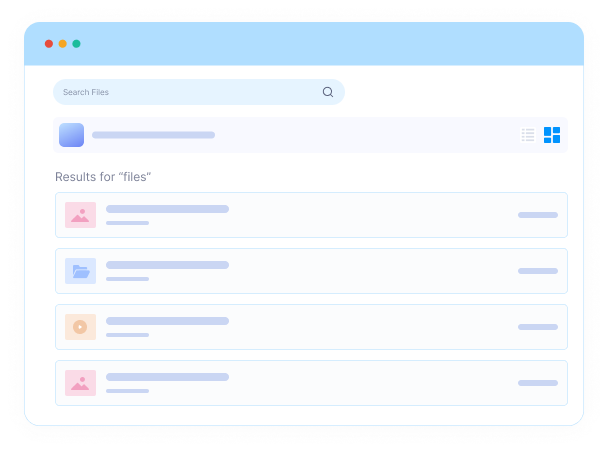
The Connect Drive Search Box module lets you quickly find files from your Google Drive. Users can easily search, locate, and access the content they need directly from your website.
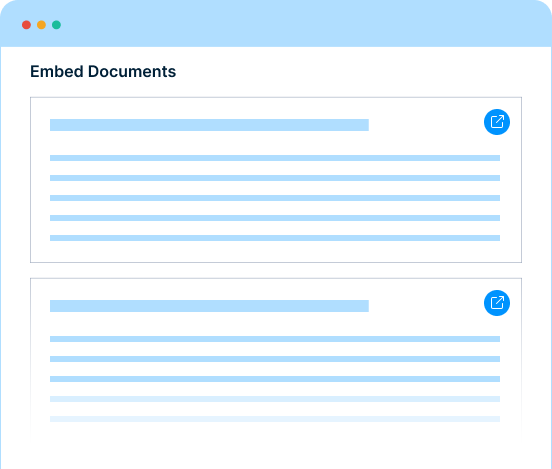
With the Connect Drive Embed Documents module, you can display your Google Drive documents directly on your website. Easily embed files like PDFs, Word documents, and spreadsheets for seamless viewing without leaving your site.
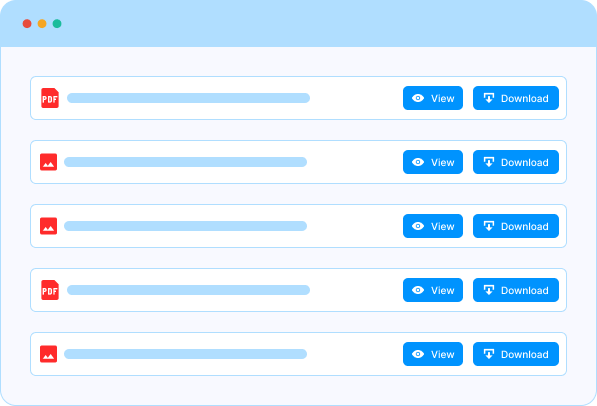
The List Files module provides a clean and organized interface to showcase your Google Drive files, enabling users to preview and download files directly from the list.

With Connect Drive, display your files using the Slider Carousel feature. Showcase your Google Drive files in a smooth, interactive carousel, making it easy to highlight and navigate through your content.
Take full control of your WordPress media library. Media Library Manager lets you organize files into folders, tag media, optimize images, rename in bulk, safely replace media, and customize folders, saving you time and keeping your library clean, efficient, and easy to navigate.

Create unlimited folders for images, videos, and documents. Keep your media library neat, clutter-free, and easy to navigate, making file management faster than ever.
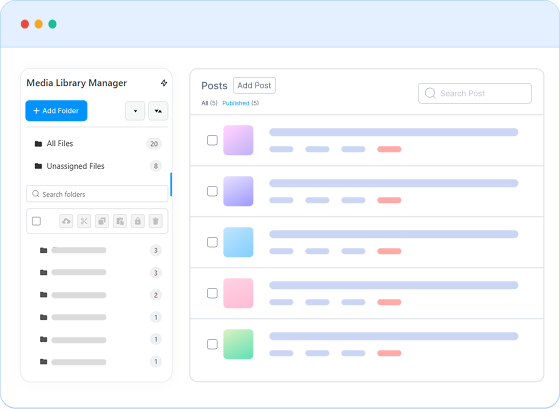
Manage media across posts, pages, and any custom post types seamlessly. Enjoy full flexibility to access, organize, and control all your content from a single dashboard.
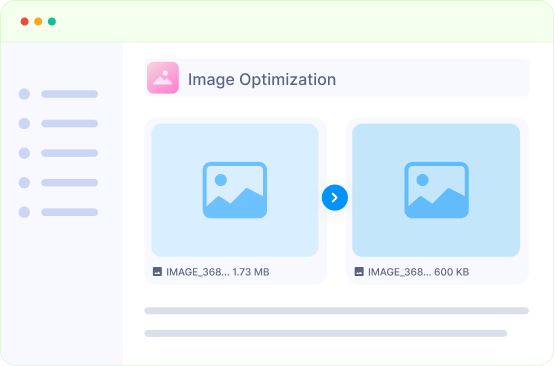
Automatically compress and optimize JPG, PNG, and GIF files without losing quality. Improve page load speed and keep your media library lightweight and efficient.
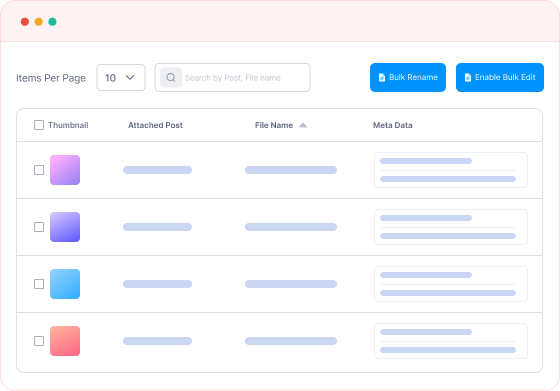
Rename multiple media files in one action using smart patterns. Maintain consistency, improve searchability, and save hours of manual work.
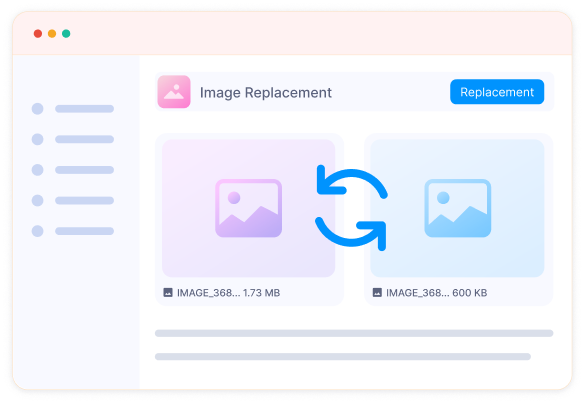
Replace existing media without breaking links or losing references. Keep your website updated and functional while maintaining a clean media library.
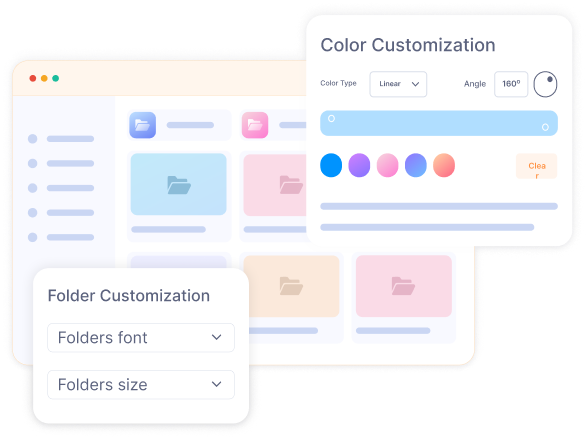
Customize folder hierarchy, names, and colors to match your workflow. Navigate, locate, and manage files faster and more intuitively.

Restrict access to sensitive media files. Prevent unauthorized downloads or misuse while keeping your images, videos, and documents secure and controlled.
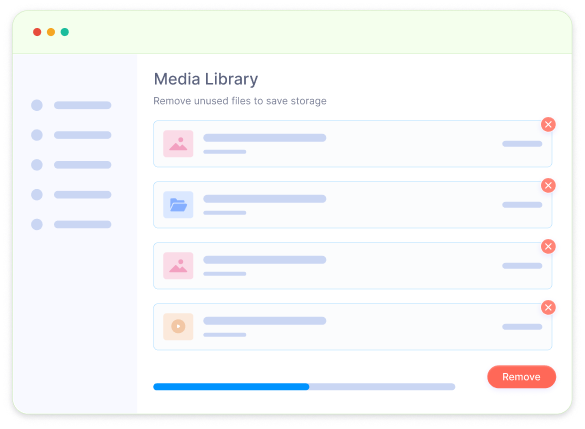
Identify and safely remove unused or duplicate media files. Reduce storage usage, maintain an organized library, and boost your site’s overall performance.
Discover a powerful set of features designed to streamline workflows, boost performance, and save time. Every tool in Media Library Manager helps you work smarter, faster, and more efficiently with your WordPress media library.
Create secure folders to restrict access to sensitive media. Keep content safe while maintaining organization.
Embed PDFs, Word files, and other documents in posts or pages with previews and manage them easily in WordPress.
Use keyboard shortcuts to quickly navigate, select, and manage media files in your WordPress library.
Quickly upload single or multiple files with intuitive drag-and-drop support, adding images, videos, and documents.
Sort folders and files by name, date, or custom order for faster browsing and management.
Organize media instantly during or after upload. Keep your library structured and easy to navigate.
Optimized for performance, Media Library Manager handles large libraries smoothly without slowing WordPress.
Seamlessly works with all WordPress themes, page builders, and editors, ensuring hassle-free integration.
Enjoy a modern, clean interface that’s easy to navigate and fully customizable to match your workflow.
Take full control of your WordPress media library. Organize, optimize, and manage files effortlessly to save time, streamline your workflow, and boost productivity.